Data provided by Discogs- To start browsing artists, move the mouse over the GREEN vinyl. This will open the search box:

- Type the name of an artist and then press "enter" or click the green vinyl
- The vinyl will turn RED, this indicates that Collabogs is currently working to find the specified artist:
The time this takes will depend on the artist you are looking for, and the amount of data (releases) such artist has currently registered in Discogs.com
- If the artist is found, it will show up on the area below, otherwise an "Artist not found" message will pop up.
- Once an artist has been brought up to the network, the vinyl will turn YELLOW and a 1 minute timer will start:
Due to current Discogs limitations, only a certain number of requests are allowed per minute, so we must wait 60 seconds before searching for a new artist :)
- When the timer is over, vinyl will turn back GREEN and you may search a new artist again
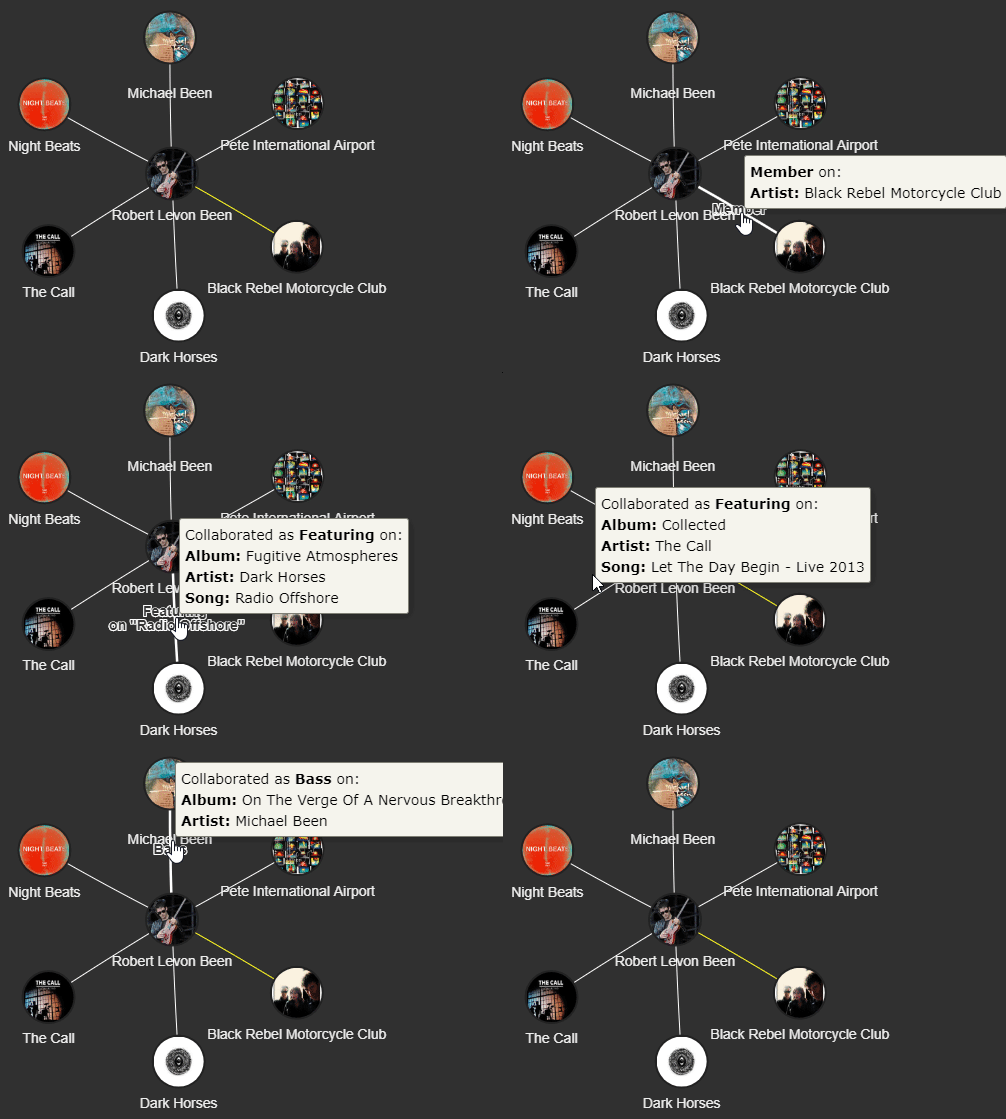
- When an artist is displayed, you will see the multiple artists he/she is connected to:
- YELLOW LINK means the central artist is/was an actual member on the connected node
- WHITE LINK means the artist has collaborated on the related artist in either an specific song or the entire release
- Clicking on "links" or "connections" mentioned above, will open youtube search with the selected artist collaboration
- Clicking on outer artists or "nodes" will open youtube search with the clicked release
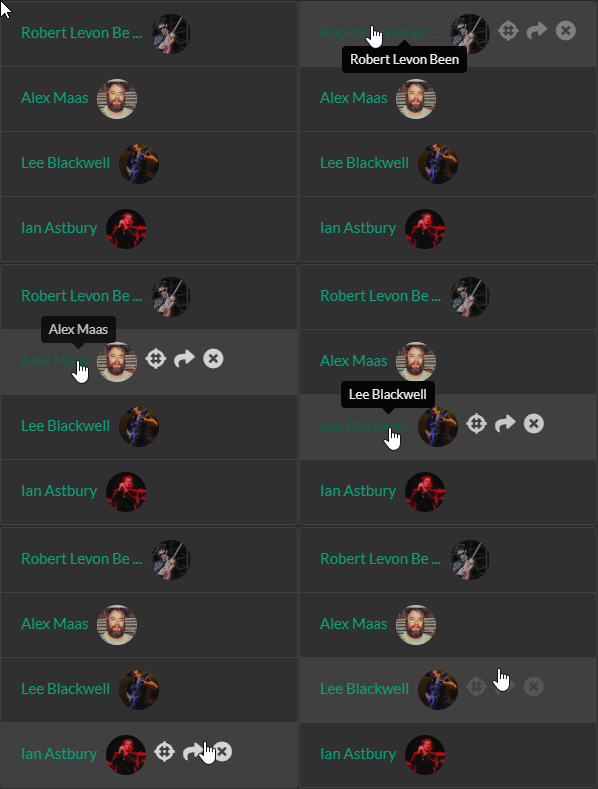
- Each artist added to the network, will be added on the left panel, with following options for each of them:
- Focus the screen to the selected artist
- Visit selected artist on Discogs.com
- Remove selected artist from network
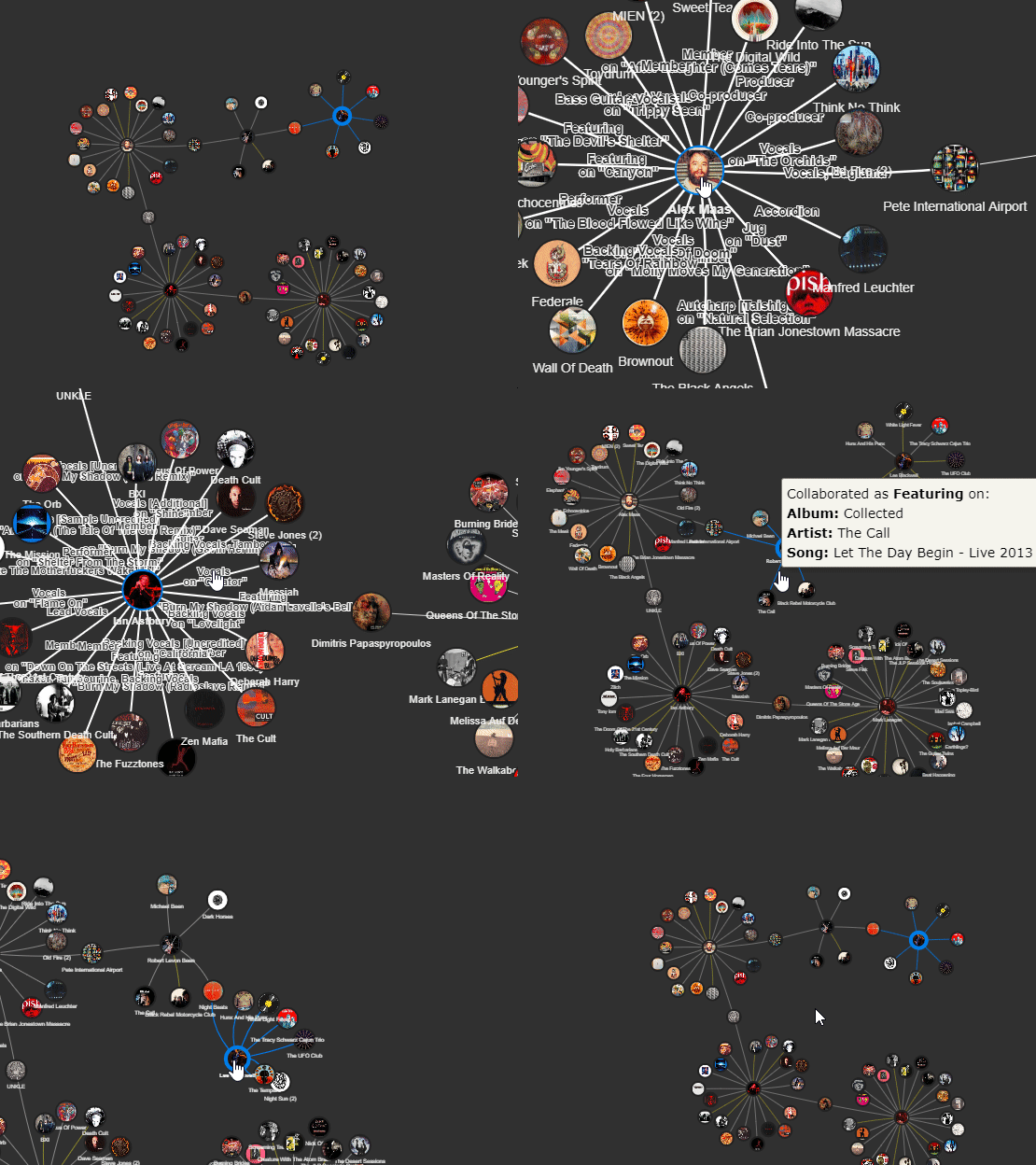
- There are multiple ways you can interact with the collabog:
- Scroll up/down to zoom in/out on the network
- Click & Drag on an artist to re arrange the network
- Click & Drag on empty space to change the network position
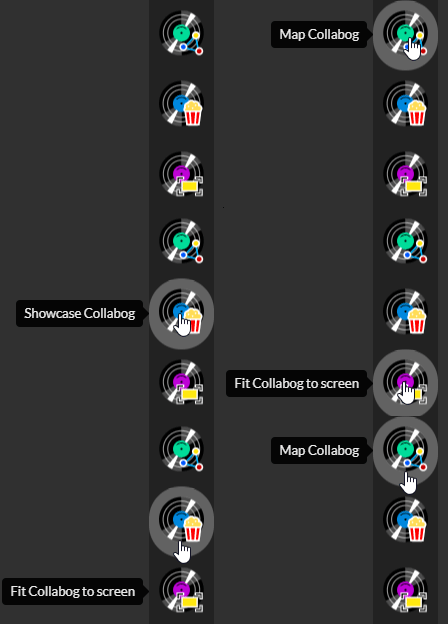
- On the right panel you will also find below buttons to interact with the Collabog:
- For more information about the type and how data is displayed here, visit "What kind of data is displayed for artists?" section in our FAQ